
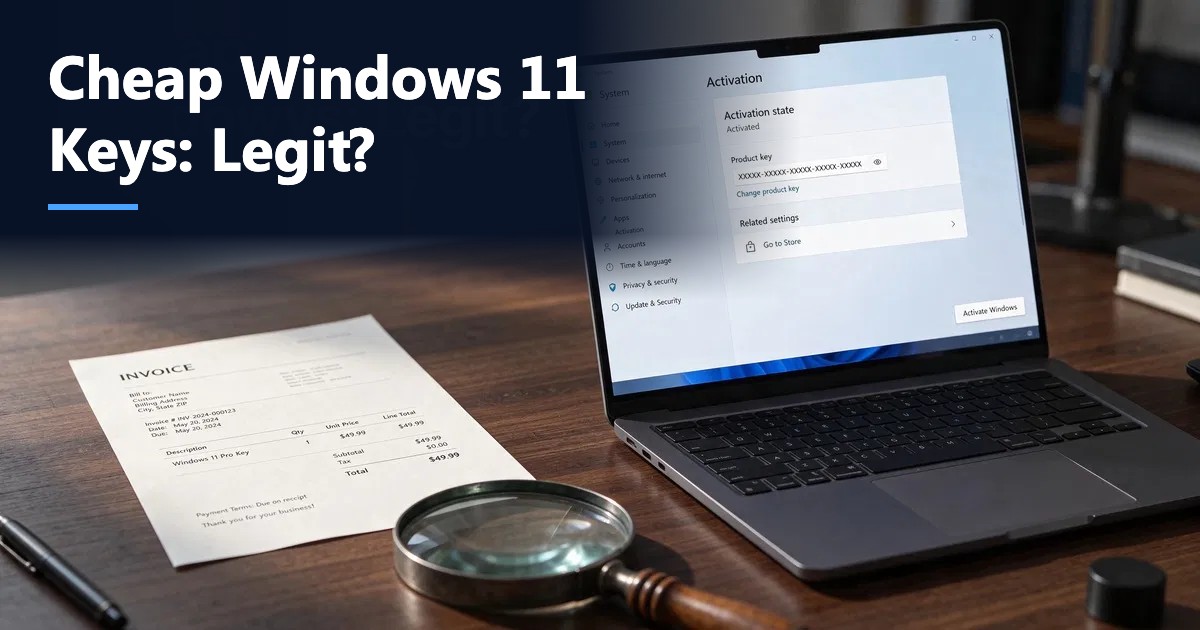
Short answer: A cheap Windows 11 key can activate genuinely, but price alone tells you nothing about whether it is a legitimate license. The difference comes from the license type (retail, OEM, volume or a resold key), the seller’s practices (clear identity, refund and replacement policy, invoices) and how the key was obtained. Microsoft’s US list price is $139 for Windows 11 Home and $199.99 for Pro; third-party keys sell for a fraction of that. Use the checklist below to separate a fair deal from a risky one.
Search “cheap Windows 11 key” and you will see prices from about $10 to $200 for what looks like the same product. Some buyers activate and never think about it again; others see Windows deactivate months later. This guide explains why prices vary so much, which license types exist, the real risks, and the checks you can run before and after you buy, so you can make an informed decision rather than a guess.
Why Windows 11 keys cost such different amounts
Microsoft sells Windows through several channels, each with its own price and rules:
| License type | How it is sold | Transfer to a new PC | Typical price range |
|---|---|---|---|
| Retail (Full Packaged Product) | Microsoft Store, retailers | Yes, one PC at a time | Highest (Microsoft list price) |
| OEM / System Builder | Preinstalled or sold to PC builders | No, tied to the first PC | Lower |
| Volume license (MAK/KMS) | Organizations through agreements | Under the agreement’s terms | Not sold to consumers individually |
| Digital license via upgrade | Free upgrade from activated Windows 10 | Linked to the hardware and Microsoft account | Free for eligible PCs |
| Resold / surplus keys | Third-party marketplaces and resellers | Depends on the original type | Lowest |
The large discounts on third-party sites usually come from OEM keys, surplus or refurbished-PC keys, regional pricing differences, or keys resold from organizations. Some of these are legitimate sales; others breach the original license terms. A few are outright fraudulent, such as keys bought with stolen payment cards or leaked volume keys.
Is it legal to buy a cheap Windows 11 key?
The honest answer: it depends on the key and where you are.
- In the United States, Microsoft’s license terms govern how Windows can be transferred. OEM licenses, for example, are tied to the device they were first installed on. Buying a key does not by itself break any law, but using a license outside its terms can mean you are not properly licensed.
- In the European Union, a 2012 Court of Justice ruling (UsedSoft, case C-128/11) allows resale of genuinely used perpetual software licenses under certain conditions, which is why EU “used license” stores exist.
- Volume license keys (MAK or KMS) belong to the organization’s agreement. A single MAK key sold to consumers online is a red flag.
If licensing compliance matters to you, for example for a business that may be audited, buy from a source that issues a proper invoice and states the license type clearly.
The real risks of a bad key
- Deactivation later. Microsoft can block keys that were sold in violation of terms or obtained fraudulently. Windows then shows “Windows isn’t activated” weeks or months after purchase.
- Activation that never worked. Error codes such as 0xc004f213 or “this product key has been blocked” appear immediately.
- Edition mismatch. A key for Windows 11 Pro N or Education will not activate standard Home.
- No recourse. Sellers with no company details, no refund policy and no support simply disappear.
- Security risk. Sites offering “activators”, KMS scripts or cracked ISO files can deliver malware. Never run activation tools from unknown sources.
Checklist: how to tell a legit seller from a risky one
Use these checks before you pay:
- Company identity: a registered business name, physical address, phone or email support, and terms of service. Vaneyo, for example, publishes its company details and support hours on its contact page.
- License type stated clearly: “retail”, “OEM” or “digital license”, the edition (Home, Pro, Pro for Workstations, Education) and the number of PCs.
- Refund or replacement policy in writing: what happens if the key does not activate or deactivates later, and for how long. Read Vaneyo’s refund and return policy as an example of what to look for.
- Invoice: a proper receipt with the product, date and seller details.
- Download from Microsoft only: a legitimate seller points you to Microsoft’s official Windows 11 download page, never to a third-party ISO.
- Activation help: documented steps and support if something goes wrong.
- Reviews on independent sites: not just reviews hosted on the seller’s own pages.
- Payment protection: pay by credit card or PayPal, which offer dispute options; avoid gift cards and crypto-only checkout.
Microsoft also publishes guidance on spotting counterfeit software on its How to Tell page.
Red flags that should stop the purchase
- A price that is far below other third-party sellers (for example $2 to $5 for Pro)
- Instructions to run a script, “activator” or KMS tool
- A key labeled Volume, MAK or KMS sold to an individual
- No refund policy, or a policy that excludes activation failures
- A seller asking for remote access to your PC to “activate” it
- Delivery as an image or screenshot of a box rather than a key and an invoice
After you buy: verify activation properly
- Download Windows 11 from Microsoft’s official site, or use your existing installation.
- Enter the key in Settings > System > Activation > Change product key.
- Confirm it shows Windows is activated and the correct edition.
- Link the license to your Microsoft account so you can reactivate after hardware changes.
- Check again after a few weeks. Our step-by-step guide shows how to check if Windows is activated, including the slmgr /dli command that reveals the license channel (Retail, OEM or Volume).
If the channel shown is not what the seller described, contact the seller immediately while the refund window is still open.
Retail vs OEM: which cheap key should you choose?
For a PC you plan to upgrade or replace, a retail license is more flexible because you can move it to a new computer. For a PC you will keep as is, an OEM key tied to that machine can be enough. Our guide OEM vs Retail Windows 11 explains the trade-offs in detail. If you are unsure which edition you need, read Windows 11 Home vs Pro.
How much should a fair Windows 11 key cost?
There is no official “fair” third-party price. As a reference, Microsoft’s own store lists Windows 11 Home at $139 and Windows 11 Pro at $199.99. Reputable third-party sellers typically offer OEM or retail keys well below that, while still providing invoices, support and a replacement guarantee. Extremely low prices with none of those protections are where most problems happen.
Free alternatives to buying a key
- Free upgrade: an activated Windows 10 PC that meets Windows 11 requirements upgrades for free and keeps its digital license.
- Running unactivated: Windows 11 installs and runs without a key, with a watermark and limited personalization. It is not a substitute for a license but can help while you test hardware.
- Employer or school programs: some organizations provide Windows licenses to staff or students.
Buying from Vaneyo
Vaneyo sells Windows 11 Pro and Windows 11 Home keys for one PC, delivered by email with activation instructions, installation help and a written refund policy. Whichever seller you choose, apply the same checklist.
Final takeaway
A cheap Windows 11 key is not automatically a bad key, but you need more than a low price to trust it. Check the license type, the seller’s identity and refund policy, download Windows only from Microsoft, and verify activation and the license channel after purchase. Those few minutes protect you from the problems most buyers run into.
Frequently asked questions
Are cheap Windows 11 keys legit?
Some are and some are not. Legitimacy depends on the license type and how the key was obtained, not the price. Check the seller’s identity, license type, refund policy and invoice, and verify activation after purchase.
Why are Windows 11 keys so cheap on third-party sites?
Most low-cost keys are OEM, surplus or resold licenses, or reflect regional pricing differences. Some are sold in violation of the original license terms, and a small number are fraudulent.
Can Microsoft deactivate a cheap Windows key?
Yes. Microsoft can block keys that were obtained fraudulently or used outside their license terms. Windows then shows that it is not activated, which is why a seller’s replacement or refund policy matters.
Is it illegal to buy a Windows key from a reseller?
Buying from a reseller is not illegal in itself. What matters is whether the license is used according to its terms. In the EU, genuinely used perpetual licenses can be resold under the UsedSoft ruling; in the US, Microsoft’s license terms govern transfers.
How can I check what type of Windows license I have?
Open Command Prompt as administrator and run slmgr /dli. The description shows the license channel, such as RETAIL, OEM or VOLUME_MAK, along with the activation status.
What is the safest cheap way to get Windows 11?
If your PC already runs an activated Windows 10 and meets Windows 11 requirements, the free upgrade is the safest option. Otherwise, buy from a seller that clearly states the license type, issues an invoice and offers a written replacement or refund policy.