
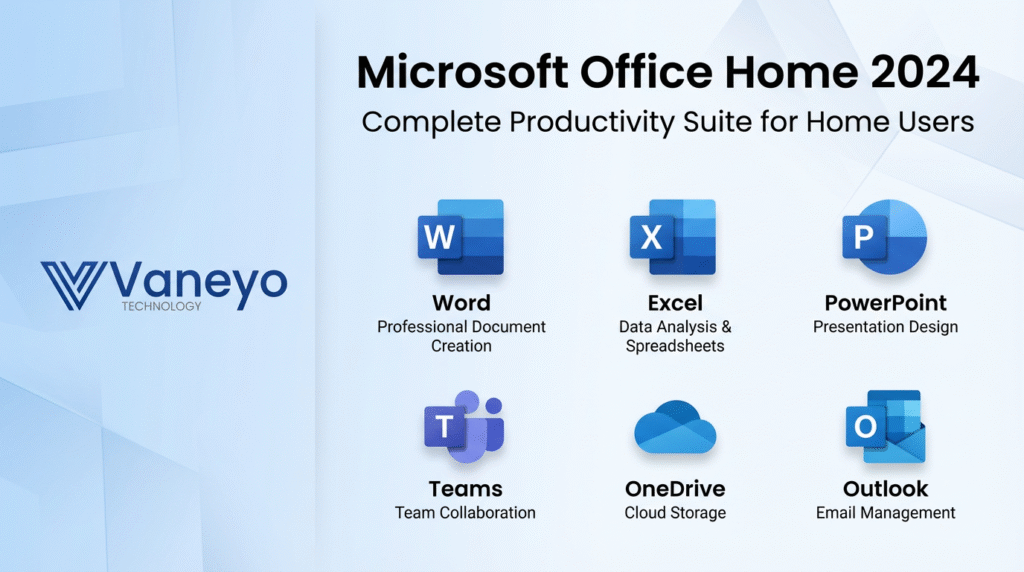
Quick answer: Microsoft Office Home 2024 includes the desktop versions of Word, Excel, PowerPoint and OneNote for one PC or Mac. Microsoft lists it for non-commercial use. Outlook is not part of this edition; Office Home & Business 2024 adds Outlook and business-use rights.
The edition name matters more than the year on the box. Use this guide to match the included apps to your tasks, identify what you need to buy separately and check the offer before paying.
The four included apps
| App | Typical task | A question to ask yourself |
|---|---|---|
| Word | Documents, letters, reports and essays | Do you need a desktop editor for longer documents? |
| Excel | Spreadsheets, budgets, calculations and charts | Do you work with local workbooks or specialist add-ins? |
| PowerPoint | Presentations and slide decks | Will you create or edit presentations on this computer? |
| OneNote | Notes, ideas and research organisation | How will you store and organise your notes? |
Microsoft’s Office Home 2024 product details list the included apps, platform support and current retail offer. Check the requirements for your exact Windows or macOS version before purchase. A product offered for a particular platform should not be assumed to work on another.
Does Office Home 2024 include Outlook?
No. If desktop Outlook is part of your requirements, compare Office Home & Business 2024 or another suitable option. Having an email account or access to a webmail service is different from having a license for the Outlook desktop app included in your suite.
What about Access, Visio, Project or Publisher?
These are not included in Office Home 2024. Do not interpret “Office” as every Microsoft application. Access requirements need a separate check, particularly on Mac. Visio and Project have their own editions and licensing. Publisher is not included in Office 2024 or LTSC 2024; avoid listings that promise “Publisher 2024.” Microsoft describes the edition differences in the Office 2024 FAQ.
If you need diagramming or project planning, browse Vaneyo’s standalone Office applications. Decide which application and edition meets the task before adding it to your order.
Home versus Home & Business
Home is the starting point for personal and school document work. Home & Business is a different retail edition for users who need its included Outlook app and commercial-use rights. Do not choose Home for business work merely because the same document apps appear in both editions.
Write down whether the purchase is for personal use, paid work or a managed organisation. Then check the offered license’s terms. For commercial LTSC editions, involve the person responsible for licensing and deployment; these are not interchangeable with retail Home merely because they share some applications.
One-time purchase versus Microsoft 365
A one-time Office 2024 purchase licenses that release; Microsoft 365 is a subscription whose apps, devices and services depend on the plan. Compare your required tasks and devices. Do not assume a one-time purchase includes a Microsoft 365 subscription, its cloud-storage allowance or future major Office releases.
For a straightforward personal desktop workflow, begin with the apps you need. For several users, several devices or ongoing cloud services, compare an appropriate subscription plan before deciding. Our Office 2024 pricing guide explains how to compare the complete cost and rights.
Installation and ongoing use
Check the seller’s redemption instructions, supported operating system and license channel before installation. Retail account redemption and commercial deployment can follow different routes. Keep your invoice and license information securely, and obtain installation files from the official source appropriate to your entitlement.
Local desktop editing and connected features have different internet needs. Plan for installation, activation and updates; do not interpret “offline use” as a promise that the product will never need an internet connection. Follow the requirements of the exact edition you purchase.
Questions to settle before checkout
- Are Word, Excel, PowerPoint and OneNote sufficient, or do you need Outlook or another app?
- Is the intended use personal/school or commercial?
- Is the offer valid for your computer, operating system and region?
- How many devices are licensed, and what are the reinstall and transfer terms?
- What delivery instructions, support and refund conditions apply?
How long is Office 2024 supported?
Microsoft publishes the Office 2024 lifecycle, with retirement in 2029. A perpetual license and a supported product are different concepts. Plan around the published lifecycle rather than a promise of security updates forever.
Choose an edition with confidence
Compare Office offers, read our Office 2021 versus 2024 comparison, or use the licensing FAQs. If you are unsure about a product, contact Vaneyo with your platform, required apps and intended use before ordering.